Image Sepia Soak
When an image seems too cold or harsh, soak a bit of sepia into it for some warmth. Sepia is a yellow/brown color, with a hint of red.
I enjoy working with images. Which is a funny thing to say for someone who is colorblind, huh? I'm only certain-colors colorblind.
In this article, I'll show you how to use CSS to imbue the color sepia into images.
Use filter:sepia(0); for zero amount of sepia in the image and filter:sepia(1); for an image entirely in shades of sepia.
For an amount of sepia between the two extremes, specify a decimal number between 0 and 1 or a percentage between 0 and 100.
filter:sepia(65%); imbues 65% sepia into the colors. As does filter:sepia(0.65);.
Demonstrations of filter:sepia() for 0, 0.65, and 1 values.
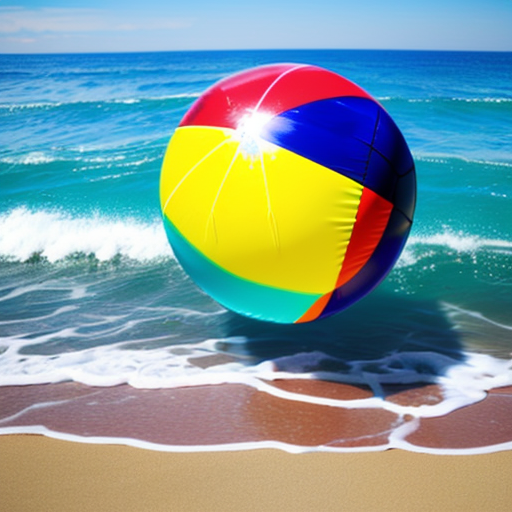
Here is the source code for the above demonstrations.
<img style="filter:sepia(0); max-width:100%;" src="https://www.willmaster.com/possibilities/images/poss20161027_Multicolorbeachball.png" style="filter:sepia(0); max-width:100%;" alt="beach ball">
<img style="filter:sepia(0.65); max-width:100%;" src="https://www.willmaster.com/possibilities/images/poss20161027_Multicolorbeachball.png" alt="beach ball">
<img style="filter:sepia(1); max-width:100%;" src="https://www.willmaster.com/possibilities/images/poss20161027_Multicolorbeachball.png" alt="beach ball">
To add a bit of warmth, test with various amounts of the filter:sepia() value. As you see with the demonstration values, it can make quite a bit of difference.
(This content first appeared in Possibilities newsletter.)
Will Bontrager